

Originally published by Nurbek Bekmurzaev in Global Voices on October 23, 2026, under a Creative Commons Attribution 3.0 licence. Adapted under that licence: restructured as a TeaLamp interview feature, answers condensed in our own words, with short verbatim quotations attributed to the interviewee. Images not reused. Global Voices and the author do not endorse TeaLamp. Prepared by the TeaLamp Editorial Team with the help of AI.
Children with Down syndrome use phones and the internet just like their friends, yet most lessons about staying safe online are built from long text and abstract rules. In Bosnia and Herzegovina, a small team of developers tried a different route: an online safety game called SafeClick, in which a friendly owl guides young players through situations they might really meet on the web. In an interview with Global Voices, team member Stefan Filipovic explained how the idea started, how the game works and what building it taught them.
Key takeaways on this online safety game
- Made for a group often left out: SafeClick (Siguran klik in the local language) teaches online safety to children and young people with Down syndrome through pictures, simple stories and familiar situations.
- Practice instead of warnings: players see a suspicious message, choose a response, and rehearse blocking, reporting and telling a caregiver.
- No punishment for mistakes: the game explains what went wrong and offers another try.
- Shaped by teachers and parents: their feedback made the scenarios easier to follow.
- Simple is hard: the team learned to question every button, animation and sentence.
Why children with Down syndrome need their own tools
Down syndrome is a genetic condition in which a person has an extra copy of chromosome 21. It affects learning and development differently for each person. According to Global Voices, roughly 550 to 700 children and adolescents in Bosnia and Herzegovina live with Down syndrome, supported by three specialised associations across the country.
Those associations have mostly had to work with online safety materials designed for everyone else, full of text, abstract explanations and complex wording. For many young people with cognitive disabilities, that material does not stick. The article notes that the result is often a kind of digital isolation: worried caregivers keep children offline rather than risk the dangers.
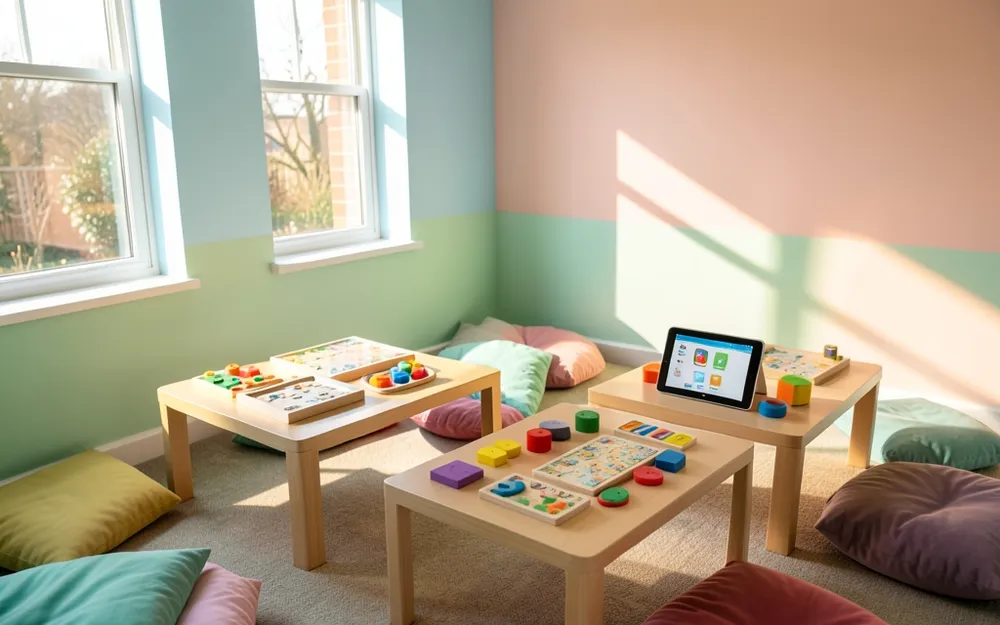
Simple, visual activities help many children learn. Image generated by AI.
Who is behind SafeClick
Filipovic describes the team as IT professionals, developers and designers from Bosnia and Herzegovina. Most of their day jobs are in commercial technology, but they had already made games with a social purpose: Eureka, an educational video game, and Lea & Leo, a game about children living with diabetes.
Through Digital Spark, a small-grants programme run by the Metamorphosis Foundation and TechSoup, they wanted to put that experience to work for people who are often overlooked when digital products are designed. “Young people with intellectual disabilities are using phones and the internet, but many digital tools are simply not designed with their needs in mind,” Filipovic says.
The gap the team set out to fill
The idea grew out of the team’s work with Servis Centar “Dajte nam šansu – Zvjezdice”, an association and day centre that offers free support to children, young people and adults with developmental disabilities. There, the developers saw young people with Down syndrome going online every day, with almost no safety resources made for them.
Most existing guides, Filipovic explains, lean on long passages, complicated explanations or confusing interfaces. So parents and educators tend to limit internet use instead of teaching young people what to do when something feels wrong. The team wanted to turn that around with stories, pictures and game mechanics, so players can rehearse what to do when a strange message arrives, when someone they met online gets in touch, or when bullying starts.
How the game works
SafeClick runs on mobile phones and uses simple, accessible interactions and visual scenes. A virtual guide called Sol the Owl leads players through each situation. When the interview was published, the first playable version was complete and waiting for approval on the App Store and Google Play.
One design choice stands out. “One important decision was to avoid punishing users for mistakes,” Filipovic says. Instead of a fail screen, the game explains what happened and lets the player try again, which keeps learning calm and safe. The team also worked closely with educators and parents and used their comments to make every scenario easier to understand.
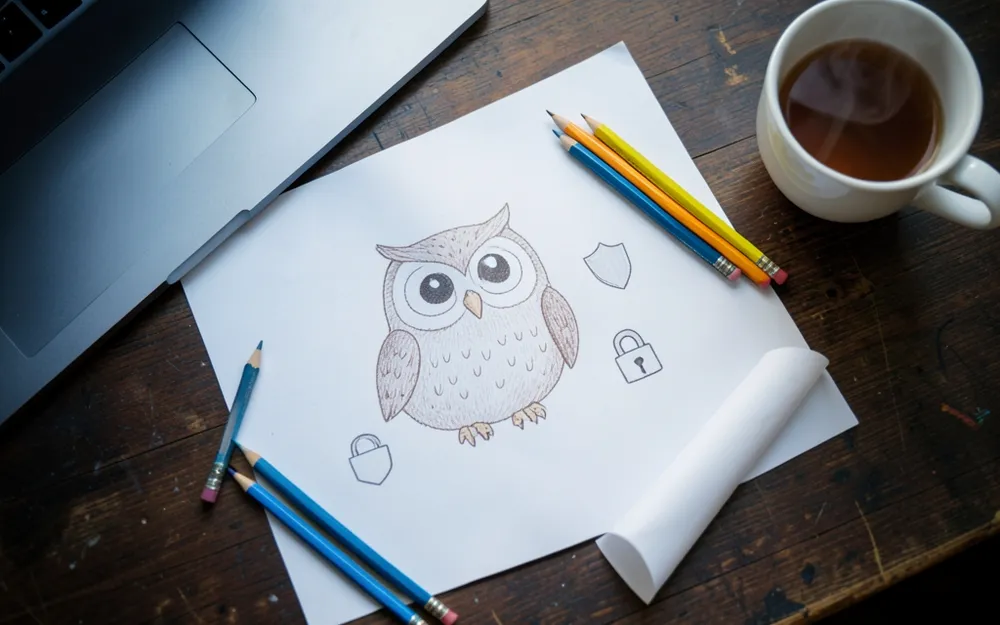
SafeClick’s guide is a friendly owl. Image generated by AI.
First feedback from teachers and families
Even before the app store release, early reactions from special education teachers and parents were encouraging and practical. Filipovic thanks one parent, Jelena Zilic, and her children, who gave the first feedback from inside the game. Their testing showed the team that situations which are hard to explain in words become far easier once they are shown and practised.
His favourite example is simple. Rather than only telling someone not to answer a stranger online, the game lets them see the message, pick a response, block and report the sender, and then tell a caregiver. “I really believe we managed to turn an abstract topic into something young people can actually practice,” he says.
Accessibility as a question of belonging
Before SafeClick, Filipovic admits, the team saw accessibility mainly as an interface problem. The project widened that view. Being able to use the internet safely, he argues, is also about joining in everyday life: talking to others, learning, finding information and being part of a community. People who cannot understand or safely use digital services end up shut out.
The team also came away convinced that privacy and accessibility cannot be added at the end of a project. In his words, they “need to be considered from the beginning.”
The surprising difficulty of simple design
The biggest lesson? “Making something technically simple is actually quite difficult,” Filipovic says. In commercial work it is tempting to keep adding features. With SafeClick, the team kept asking whether each button, animation, sentence or screen really needed to be there. Their earlier games had already shown that play is a strong way to learn; this one taught them much more about cognitive accessibility and about designing side by side with educators and users.
What comes next
The immediate plan is to publish SafeClick, introduce it through the media and make sure families and schools know it exists. Longer term, the team hopes to build more digital tools for marginalised groups and to keep exploring how games can make learning and taking part easier for people who are often left out of mainstream technology. They say they are open to new partnerships.
Why it matters
Online safety advice usually assumes that every child learns in the same way. SafeClick is a reminder that the best protection is not keeping some children offline but giving them tools they can actually use. When design starts with the people most often overlooked, the result tends to be clearer for everyone, and a patient owl may teach a lesson that a page of rules never could.
Related reading
For another community project that uses technology to include people who are often left out, read how one team is saving the Van Gujjari language, one recording at a time.
Sources
- Nurbek Bekmurzaev, “In Bosnia and Herzegovina, children with Down syndrome are using a video game to safely navigate the internet”, Global Voices, October 23, 2026 (CC BY 3.0).
- US Centers for Disease Control and Prevention, About Down syndrome.









0 Comments